5.0
5.0
50.5 MB
$29
Windows 11,10,8.1,8,7
English
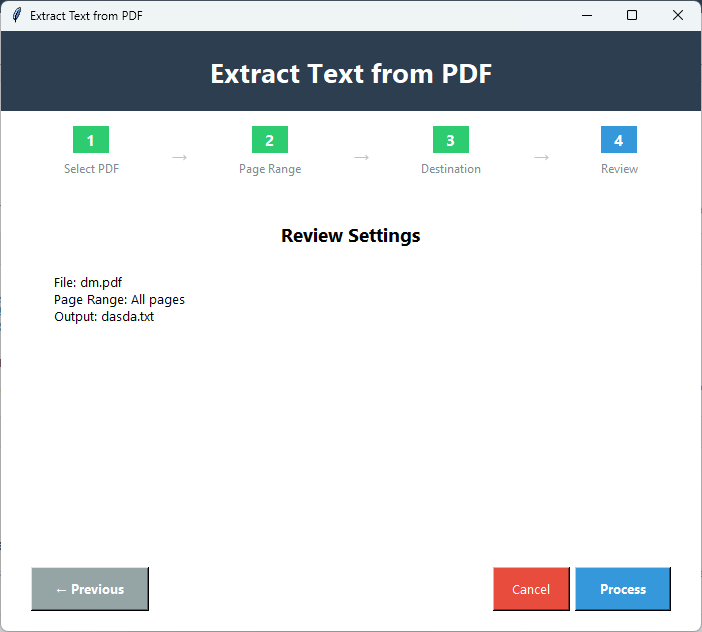
One of the most powerful capabilities of this PDF Champ is the extract text feature which allows you to select a specific pages in a PDF file for extracting,copying,or analyzing the text. This tool lets you to easily extract text from a PDF document with all formatting intact and create more user-friendly information for others. It's ideal for researchers and authors needing to access or edit text content within their PDF documents as well as anyone who works with printable text data in other formats.
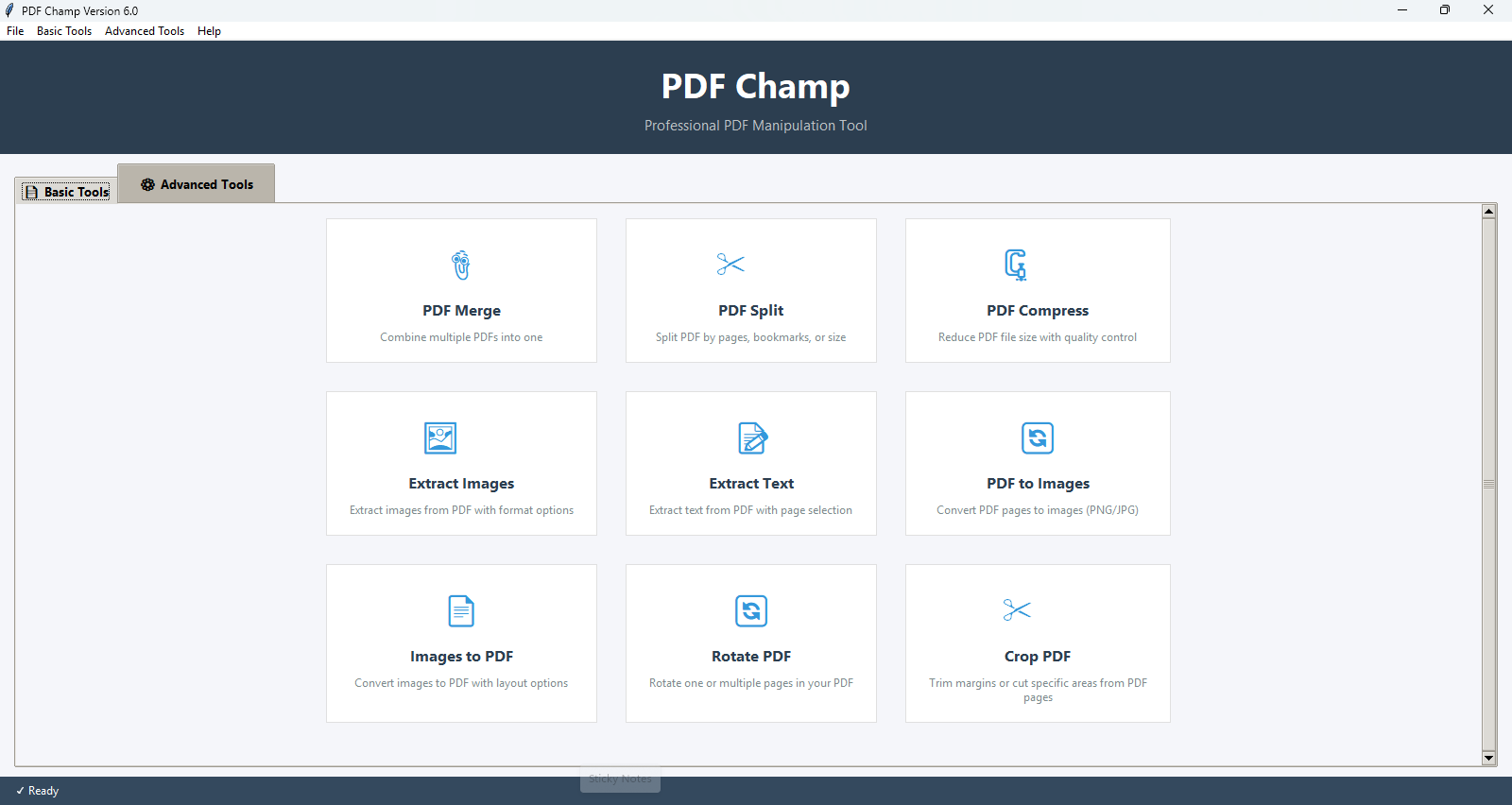
Note:Extract Text is available through PDF Champ as an easily moved portable version of the software. Simply double-click the PDF Champ.exe file,so there is no requirement for a traditional installation or extensive setup to use this tool.
In situations when there's a lot to copy,or a PDF won't let you select a particular text easily,with this tool,you can quickly pull text from a PDF and use it in any other app if you need. It cuts the hassle of manually copying and pasting the tool extracts everything for you,and saves your valuable time.
For simplified editing and updating of any document to reuse the parts of it without retyping everything from scratch,this tool efficiently turns your PDF text into an editable format like Word or TXT,which you can access without any trouble and complete your task hassle-free.
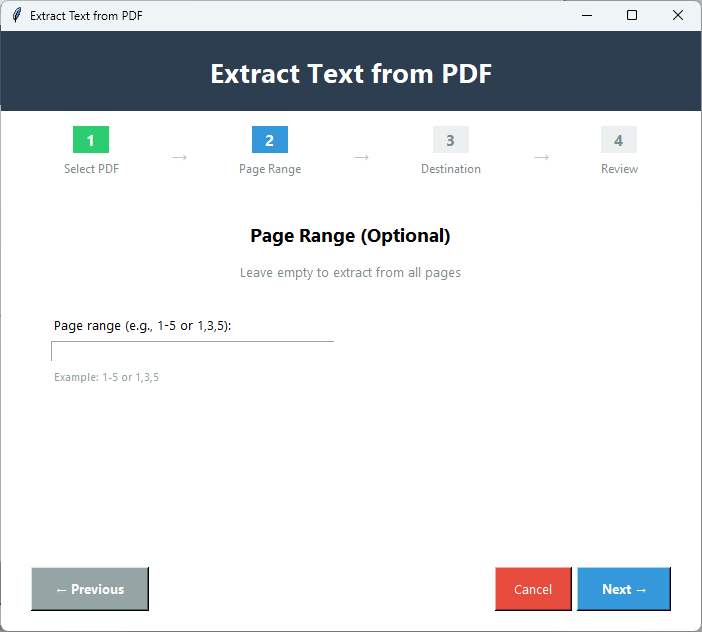
Using the PDF page range selection feature provides flexibility when extracting the content. This option provides you with the ability to extract any informational content needed,such as selecting pages individually or in varying page groups or even the entire PDF document,which is one of the best options for specific results.
This advanced tool extracts text from your PDF files while retaining the original formatting,including paragraphs,basic layout,and line breaks,which makes the text readable and maintainable. It delivers a clean,editable,and de-cluttered layout of the document.
No matter how large your PDF document is,this smart tool will handle it quickly and pull text from a PDF file without putting much effort,as it has a fast extraction engine that can work with heavy files seamlessly. Making it a great tool for content analysis or converting documents into editable formats,as it delivers the results in a few seconds.
Support for International Characters and Unicode. We provide full support for extracting text from PDF files that contain non-Latin scripts,Chinese,Japanese,Arabic,Russian,etc. Our extract text method supports the extraction of all types of characters,including special characters,as well as any combination of international character sets.
The demo version of Extract Text allows you to try the feature before purchasing,with these limitations:
Download Guides
Recent Blogs
Customer Review
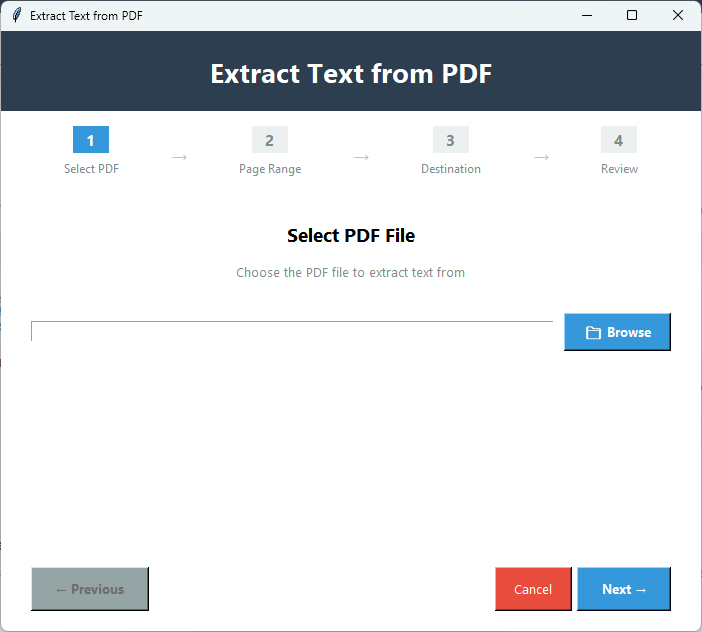
As a novice,I truly appreciated this tool clean and self-explanatory GUI because all I needed to do was upload the PDF file and with a few clicks,it extracted texts from it in a matter of minutes without any complicated processes or misunderstanding. I heartily recommend this product!

Customer Review
Personally I really found this tool very helpful for myself as it works efficiently while preserving the format of the original file,and it stores the extracted text file in .txt format which is easy to open and edit. The best part is that there are no file size limitations.
Customer Review
I needed to pull out some text from hundreds of PDF files as I find that manually going through each file one at a time was taking a lot of time so I tried this app as one of my college suggested me and to my amazement it performed incredibly well and produced the results in just a few minutes without sacrificing the quality of the images. I loved working with this tool!
Customer Review
The tool functions perfectly as I wanted to use this PDF to text extractor for a long time but I wasn't sure if I should purchase the license version or not. Instead I tried the free demo version which allowed me to explore its features and then I paid for the full version which fulfills its promises and is a pleasure to use.